


Olex AI is designed to reduce the time teachers spend marking written work while keeping assessment and feedback under their control. Its features include personalised feedback, custom marking criteria, class-level insights, lesson planning, multilingual support, and tools for handwritten work.
For many UK schools, that combination makes Olex AI useful for English writing and assessment. However, some teachers need deeper GCSE support, stronger LMS integrations, science exam marking, different pricing, or tools built for higher education. These seven alternatives approach those needs in different ways.
What Olex AI Offers
Olex AI focuses strongly on written assessment. Teachers can evaluate student work against selected criteria, generate individual feedback, identify class-wide gaps, and use those findings to plan follow-up teaching.
The platform also supports handwritten work, which is important in schools where assignments and mock exams are still completed on paper. Olex AI is listed as supporting primary through post-16 age groups, with features including assessment, moderation, GCSE English, intervention groups and feedback.
Its biggest appeal is not simply automated marking. The wider aim is to shorten repetitive assessment work while allowing teachers to review the results before using them with students.
What to Compare Before Switching
An Olex AI alternative should be judged against the work a teacher actually needs to assess. A platform designed for essays may not suit a science department, while an exam-marking tool may offer little value for creative writing.
Important factors include:
- Handwriting recognition
- Custom rubrics and mark schemes
- GCSE or A-Level support
- Teacher review and mark overrides
- Batch marking
- Class analytics
- LMS or MIS integrations
- Student-data protection
- Pricing for individuals and schools
Schools should also test a platform with real student work rather than relying only on feature lists.
Olex AI Alternatives Compared
| Tool | Best Suited To | Handwriting | Pricing Approach |
|---|---|---|---|
| EssayGrader | Essay and writing assessment | Yes | Free and paid plans |
| CoGrader | Rubric-based classroom marking | Yes on selected plans | Free and subscription |
| Top Marks AI | UK GCSE and A-Level work | Yes | School quote |
| Marking.ai | Teacher-controlled assessment | Yes | Monthly plans |
| GradeDrive | Maths and science exams | Yes | Free and paid options |
| DeepMark | Essay-heavy UK subjects | Yes | Free trial and pay-as-you-go |
| Graide | Higher education | Yes | Institutional pricing |
1. EssayGrader
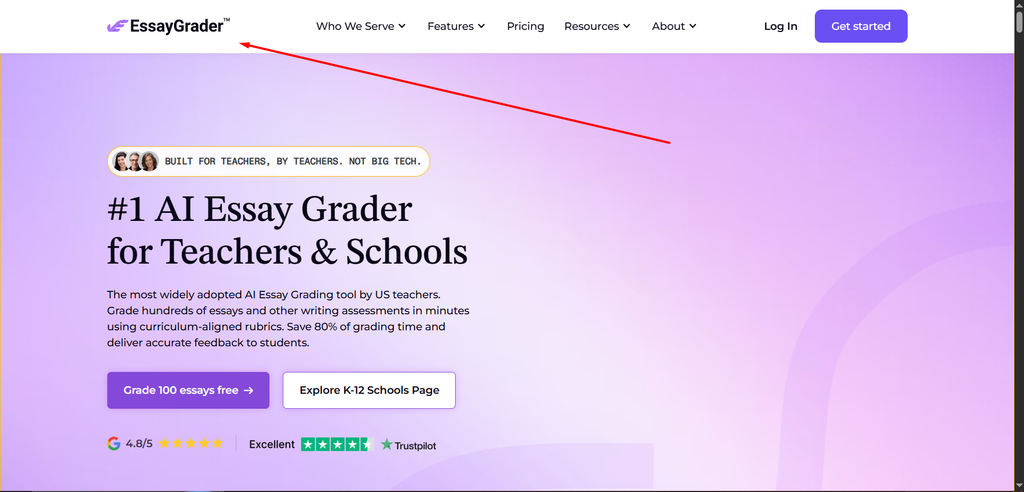
EssayGrader is a practical option for teachers dealing mainly with essays, reports and extended responses. It supports custom rubrics, batch grading, handwritten submissions and detailed writing feedback.
One advantage is integration. Paid versions can connect with systems such as Google Classroom, Canvas and Schoology, allowing teachers to bring assessment closer to their existing classroom workflow.
EssayGrader also offers free usage alongside paid plans, making it easier for individual teachers to test the platform before considering wider adoption. UK schools should still check how well their own GCSE or curriculum-specific mark schemes translate into its grading workflow.
2. CoGrader
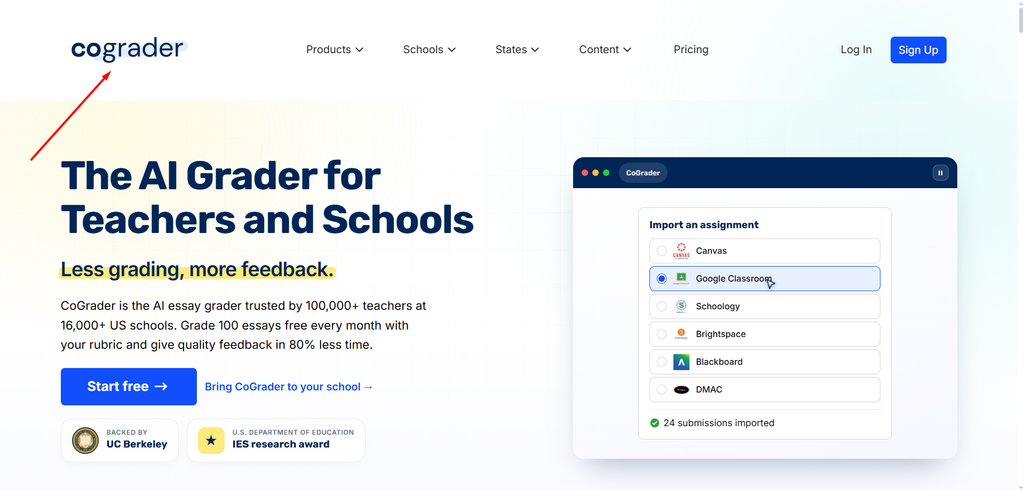
CoGrader combines rubric-based assessment with classroom integrations and performance reporting. Teachers can create or upload rubrics, assess groups of submissions and review AI-generated feedback before returning work.
Its free entry level makes it useful for teachers who want to experiment without immediately committing to a school licence. Higher plans add features such as handwritten assignment support, dashboards, plagiarism checking and AI-writing detection.
Compared with Olex AI, CoGrader may appeal more to schools prioritising LMS integration. UK-specific curriculum alignment should still be tested carefully.
3. Top Marks AI
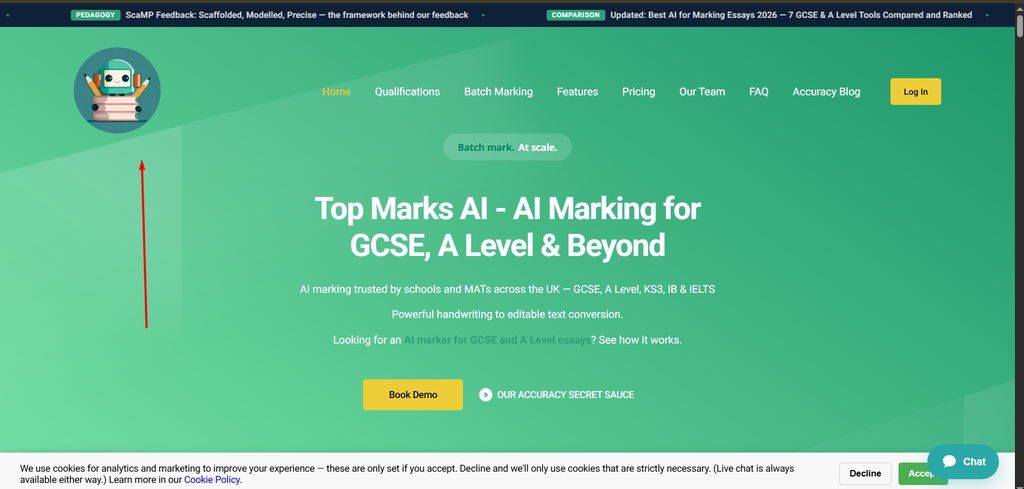
Top Marks AI is particularly relevant for UK secondary schools. Its approach centres on exam-style assessment across GCSE, A-Level and other qualifications rather than general writing alone.
The platform provides marking tools across a broad selection of subjects and supports batch processing of student responses. Handwriting recognition is also useful when departments are working with paper-based mock exams.
This makes Top Marks AI worth comparing when a school needs subject-specific examination marking. Pricing is generally handled through school enquiries rather than a simple public subscription.
4. Marking.ai
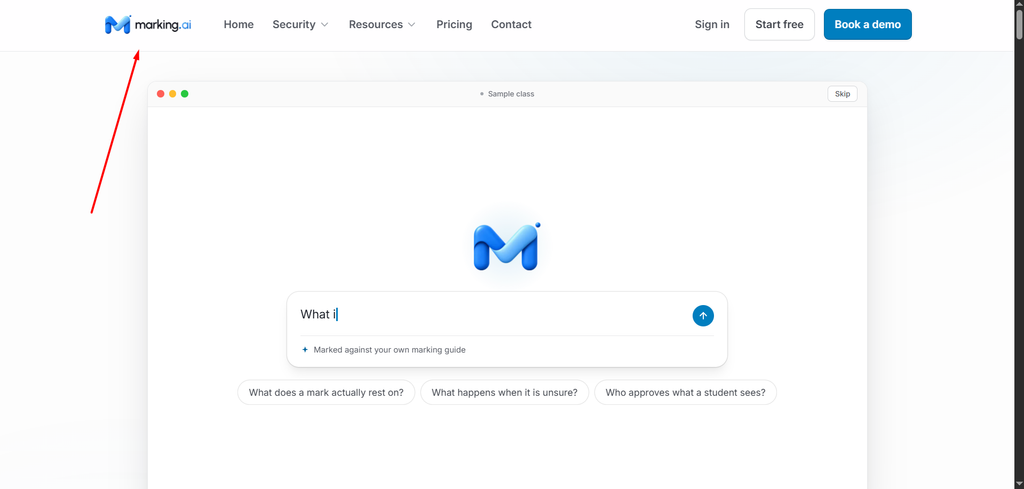
Marking.ai puts strong emphasis on teacher control. Teachers provide student work and their existing marking guidance, and the system suggests marks with supporting evidence from the response.
That evidence-based workflow is useful because teachers can see why a mark has been suggested rather than receiving an unexplained score. Marks can then be edited before being approved.
The service offers individual monthly plans as well as school arrangements. Its main drawback for some users is that standard LMS integrations are more limited than platforms built around Google Classroom or Canvas.
5. GradeDrive
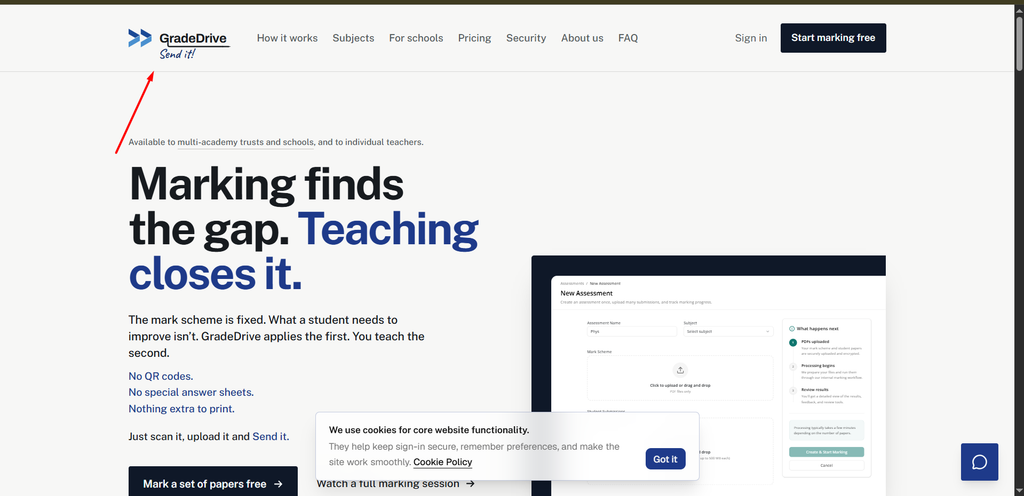
GradeDrive takes a more specialised approach. It is aimed largely at GCSE and A-Level assessment in subjects such as Biology, Chemistry, Physics and Maths.
Teachers can upload scanned exam scripts together with a mark scheme. The system separates papers, suggests question-level marks and allows teachers to review each decision before exporting results.
For English writing, Olex AI is the more natural comparison. For science departments processing large mock-exam batches, GradeDrive may provide a workflow that fits the subject more closely.
6. DeepMark
DeepMark focuses on UK secondary assessment, particularly subjects involving longer written responses. Supported areas include English, History, Business, Psychology, Sociology and Religious Studies.
Teachers can work with handwritten scripts and exam-board mark schemes while reviewing annotations and suggested marks before confirming them.
Its flexible pricing is also notable. Teachers can start with a limited free allowance, while pay-as-you-go options suit departments that only need AI-assisted marking during particular assessment periods.
7. Graide
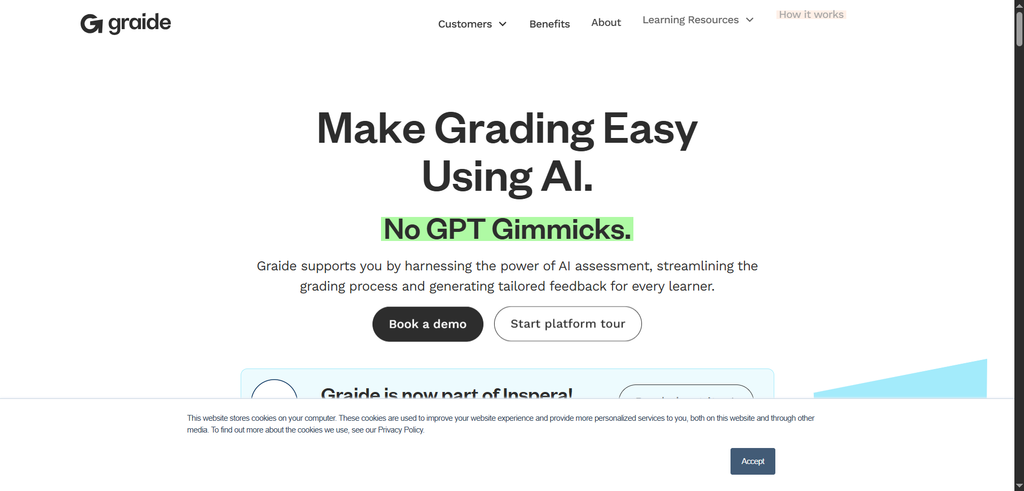
Graide is designed more for universities, colleges and large assessment operations than everyday primary or secondary classrooms.
Its features include OCR, mathematical handwriting recognition, moderation tools, feedback management, assessment analytics and integrations for institutional workflows.
That wider infrastructure makes Graide considerably different from Olex AI. A school teacher looking for straightforward English marking may find it excessive, while a university managing high-volume assessment could find its institutional focus more appropriate.
AI Marking Still Needs Teacher Review
AI assessment can reduce repetitive work, but marks should not be treated as automatically correct. Handwriting can be misread, unusual responses may be interpreted incorrectly, and open-ended writing often requires professional judgement.
A sensible school trial should compare AI-generated marks with marks from experienced teachers, especially for high-stakes assessment. Data storage, retention policies and model-training practices should also be reviewed before student work is uploaded.
Olex AI itself is positioned as a teacher-controlled system rather than a replacement for professional judgement. Its listing also highlights GDPR documentation and support for school implementation.
Choosing the Right Olex AI Alternative
There is no single replacement that suits every Olex AI user. EssayGrader and CoGrader make sense for general writing workflows, while Top Marks AI and DeepMark are more focused on UK examinations. GradeDrive targets science and maths, Marking.ai emphasises transparent teacher approval, and Graide serves larger institutions.
The most practical approach is to test two or three platforms with the same real assignment, rubric and handwritten samples. Compare marking accuracy, feedback quality, time saved, privacy requirements and total cost. That reveals far more than a feature list alone.
FAQs
What is Olex AI used for?
Olex AI helps teachers assess written student work, generate personalised feedback, identify class-wide learning gaps, and reduce time spent on marking. It also supports handwritten work and teacher-controlled assessment.
What are the best Olex AI alternatives?
Popular Olex AI alternatives include EssayGrader, CoGrader, Top Marks AI, Marking.ai, GradeDrive, DeepMark, and Graide. Each focuses on different areas such as essay grading, GCSE marking, science assessments, or institutional workflows.
Which Olex AI alternative supports handwritten work?
Several alternatives can process handwritten submissions, including EssayGrader, Top Marks AI, Marking.ai, GradeDrive, DeepMark, and Graide. Accuracy can vary, so schools should test handwriting recognition with real student work before adoption.
Is there a free alternative to Olex AI?
Yes. Tools such as EssayGrader and CoGrader offer free entry-level plans, while some other platforms provide free trials or limited marking allowances. Usage limits and included features vary between providers.
Can AI marking replace a teacher?
AI marking tools are better used to support teachers rather than replace professional judgement. Teachers should review suggested marks and feedback, particularly for open-ended responses, handwritten work, and high-stakes assessments.


2 Comments